LGSF Market
Hide, Show and Isolate LGS/CFS Frame Groups for Clearer Reviews
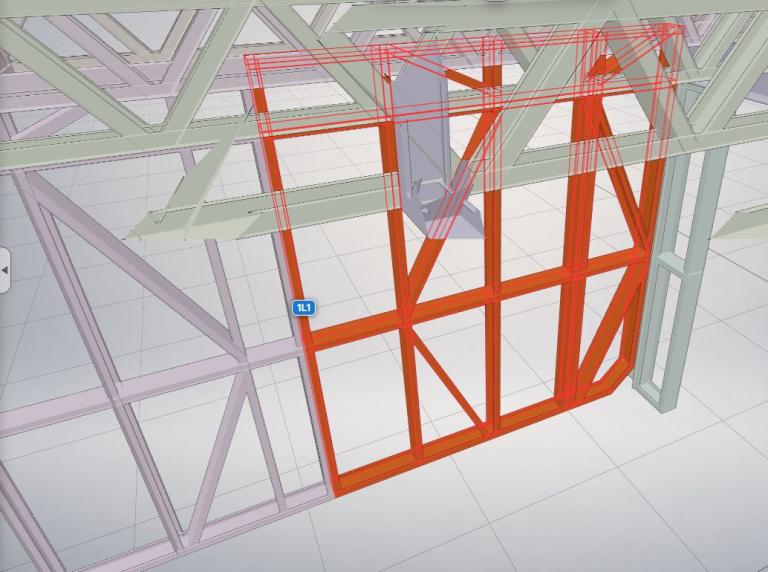
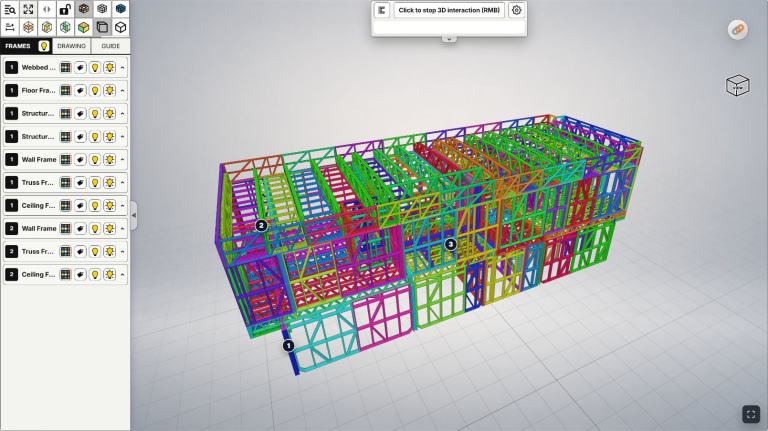
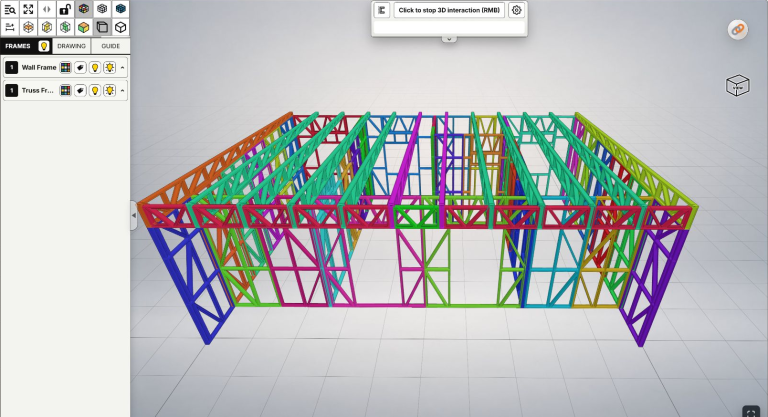
Hide, show and isolate LGS/CFS frame groups to see walls, floors and roof framing clearly, compare drawings and review suspected conflicts during coordination.

Category
Learn the LGSF Market platform: upload IFC files, edit model details and use the 3D workspace.
7 articles
Hide, show and isolate LGS/CFS frame groups to see walls, floors and roof framing clearly, compare drawings and review suspected conflicts during coordination.
Find an LGS/CFS frame by ID in IFC, confirm its 3D location and open Frame Detail to compare 2D drawings across site, fabrication and design teams.
Navigate an IFC model with rotate, pan, zoom and Fit View. Connect LGS/CFS framing views with 2D drawings for design, fabrication and site discussions.
Understand Private and Lobby for IFC models: who can view your design, original-file access, separate share links and practical checks before publishing.
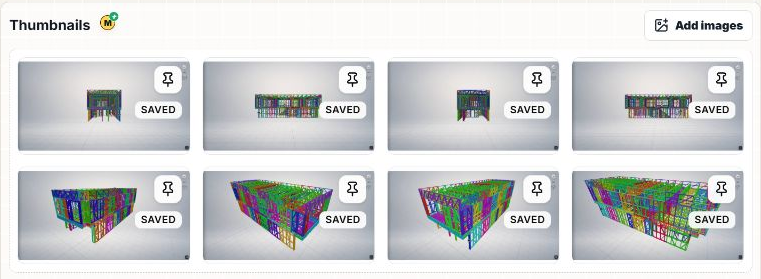
Add images to an IFC model, choose a default thumbnail, arrange the gallery and distinguish its cover image from the saved 3D preview in LGSF Market.
Use Edit properties in LGSF Market: understand required and optional fields, add useful model details and images, review Private/Lobby, and save changes.
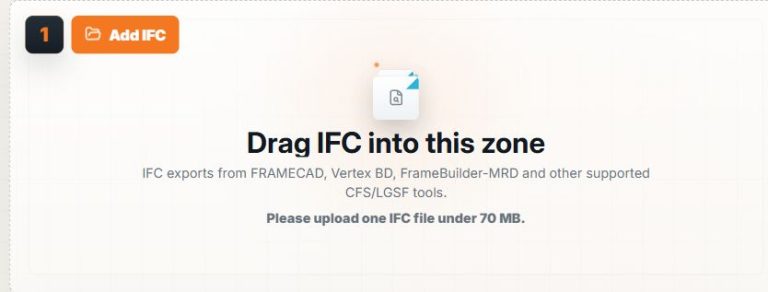
Upload an IFC file to LGSF Market: check your allowance, select a model, add optional images, process the file and review the resulting 3D preview.